
Municipal Facility Compliance Software: Buying Signals in City Budget Discussions
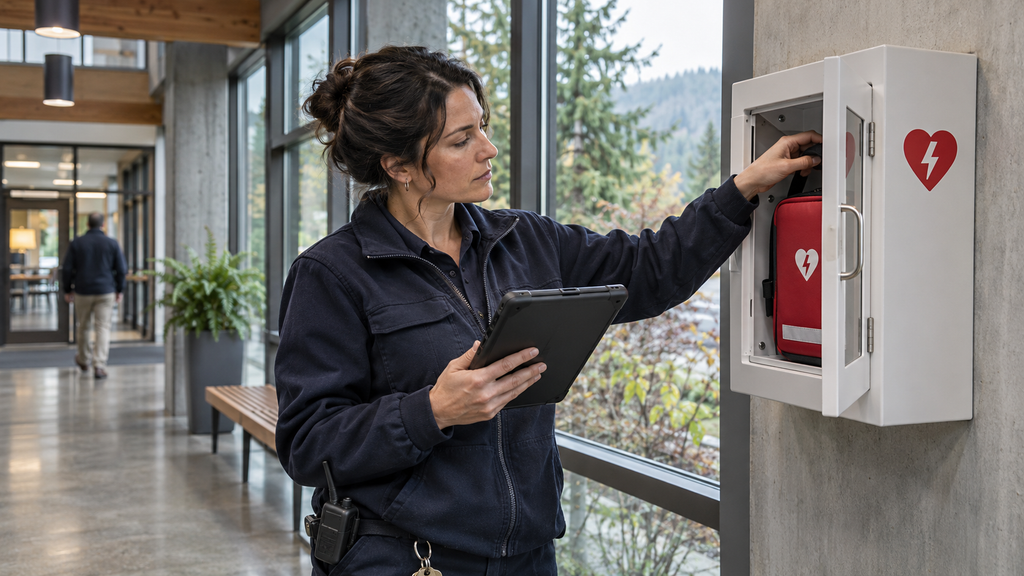
An inspection can be completed on time and still create work for a municipal facilities team. Someone has to record the result, assign repairs when something fails, and find the record when a supervisor asks for it. When those steps live in different places, a city budget discussion can reveal where municipal facility compliance software might help.
For vendors selling inspection, work order, or asset tracking software to local government, the best starting point is the task staff are struggling to finish. Lakewood, Washington, offers an example of how to find that task in a public record.
What Lakewood’s budget discussion revealed
On October 14, 2026, Lakewood held departmental presentations for its proposed 2027–2028 biennial budget. Planning and Public Works and Administrative Services were among the departments on the agenda. Osserva’s coverage highlighted manual checks of automated external defibrillators (AEDs) in city facilities, rental housing inspection backlogs, and challenges with federal grant audit compliance. Those are distinct workflows that may involve different teams and systems. City of Lakewood budget meeting notice · Osserva’s Lakewood facility compliance management software insight
The AED example gives facility inspection software vendors a specific question to investigate. How do staff see which units are due for checks, and where do they record the result? A rental inspection backlog calls for a different question about scheduling, case ownership, or reinspection. Lakewood’s budget discussion provides a reason to research both workflows. A purchase would require separate evidence, such as an approved scope or a procurement notice. Lakewood’s proposed biennial budget materials
Match the public record to the workflow your software supports
| What the record describes | Where a vendor could fit | What to verify |
|---|---|---|
| Staff track recurring safety checks manually | Facility inspection software for schedules, checklists, and proof of completion | Who owns the schedule, and which system holds the official record? |
| Inspection findings require follow-up by another crew | Municipal work order software that assigns corrective work and tracks closure | Can the existing maintenance system already turn an inspection finding into a work order? |
| Staff compile records manually for reviews or audits | Reporting or records tools that make completed checks and corrective work easier to retrieve | Which records are required, and which department is responsible for producing them? |

Trace one inspection from the checklist to the repair
Picture a technician who finds a damaged cabinet latch during a routine AED check. The inspection record needs an asset ID, a date,e and the finding. The repair request needs an owner and a due date. A supervisor needs to see whether the repair was completed. That sequence gives a vendor a concrete way to assess where its product fits.
A mobile inspection provider might focus on capturing the finding at the cabinet and routing it to the city’s existing maintenance system. A work order provider might focus on assigning the repair and making the status visible to the inspector. A reporting provider might help supervisors retrieve the inspection and repair history together. Each product solves a different part of the same example.
Check the next decision before adding the account to your pipeline
Start with the latest budget materials and meeting records. Look for a named department, an assigned follow-up, or a planned system change. If the city has an implementation agreement, read what it covers. If it has published a solicitation, use that document to confirm scope and timing.
Osserva surfaces early public-sector sales signals so vendors can investigate the need while plans are taking shape. Explore more public-sector sales insights or get three free Osserva insights.